
Zulip Codebase integration
Run the external zulip_codebase_mirror Python process to poll Codebase activity
and send notifications. This is not a native incoming webhook.
- Create commit and ticket channels and a dedicated Generic bot with access to them. Record the bot email and API key.
- Install the Python SDK in an isolated environment and locate its
integrations/codebasedirectory. Check runtime dependencies:requests,pytz,python-dateutil,platformdirs. The directory requirements file may not list every runtime dependency. - In a separate copy of that directory, configure
zulip_codebase_config.py:CODEBASE_API_USERNAME,CODEBASE_API_KEY,CODEBASE_ROOT_URL,ZULIP_USER,ZULIP_API_KEY,ZULIP_SITE,ZULIP_TICKETS_STREAM_NAME,ZULIP_COMMITS_STREAM_NAME. Use quoted strings for credentials and URLs. Find provider credentials under My Profile → API Credentials. - Set
CODEBASE_INITIAL_HISTORY_HOURSand a writable, separateRESUME_FILE. Runzulip_codebase_mirrorfrom the prepared directory and verify ticket and commit notifications. Arrange process supervision and restart handling.
The legacy script polls https://api3.codebasehq.com/activity and handles
repository creation, pushes, tickets, notes, discussions, and deployments.
Wiki and sprint notifications are not implemented. Verify current provider API
compatibility. Topics are limited to 60 characters. The old configuration warns
that only the latest 20 events are returned; long downtime may lose history.
Failed message sends are logged, but the timestamp still advances. This process
does not guarantee delivery and is not a Codebase backup.
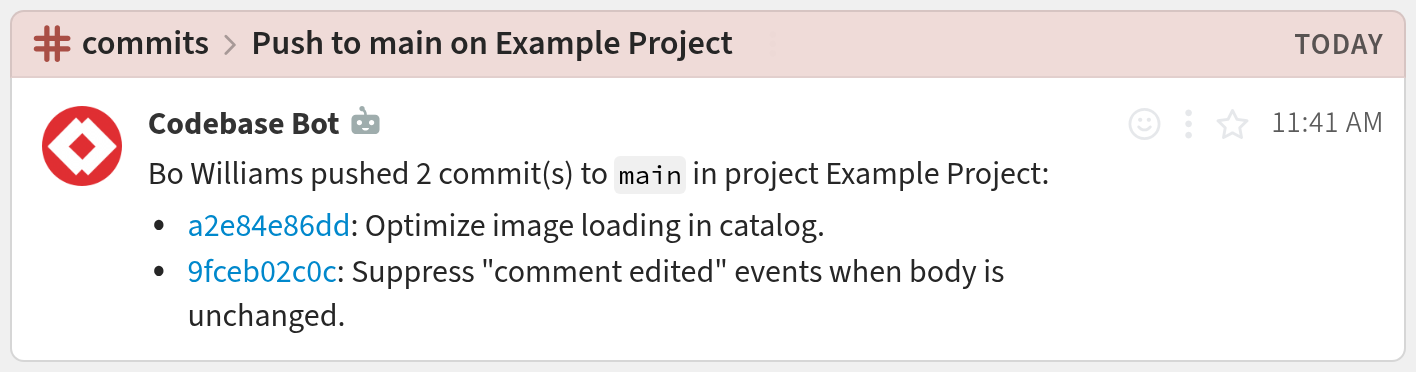
For SaaS, hybrid, on-premises, and carrier deployments, provide outbound HTTPS
access to Codebase and Zulip. Separate processes, configurations,
bots, and RESUME_FILE per customer. Provider and bot API credentials are
separate from BYOK encryption keys. Protect secret configuration files.
Delivery and support are governed by your commercial agreement with the operator.
Logos are trademarks of their respective owners. None of the integrations on this page are created by, affiliated with, or supported by the companies represented by the logos.